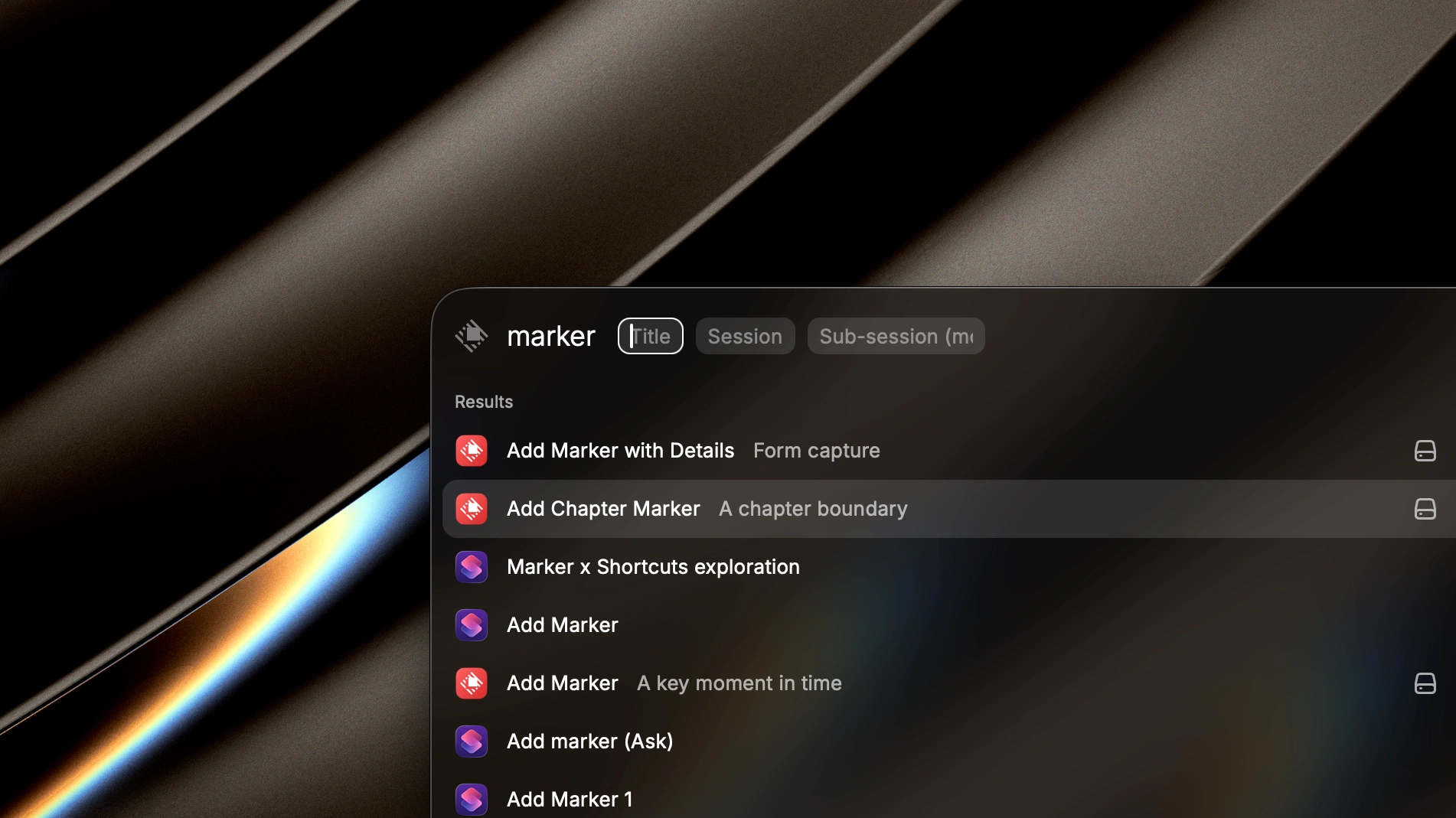
Commands include Add Marker with Details, Add Marker, Add Chapter Marker, Recent Marker History, Twitch Stream Marker, Create Session, and Create Sub-Session.
Mac command palette
Capture timestamps from Raycast.
The Raycast extension gives Mac creators fast commands for adding markers, choosing sessions, creating timelines, reviewing recent history, and targeting linked Twitch streams.
Best for
Mac workflows
Core action
Keyboard-first capture
Requires
Marker API token
The extension reads Marker sessions, sub-sessions, tags, active sub-sessions, and Twitch channels through the REST API.
Environment settings support development, TestFlight, production, and custom API base URLs.
Workflow
How Raycast works with Marker
- 1
Create a Marker API token.
- 2
Add the token to Raycast extension preferences.
- 3
Pick a command such as Add Marker or Recent Marker History.
- 4
Use arguments or forms to target the right session and sub-session.
Setup
Get started
Install the Marker Raycast extension.
Choose the Marker API environment.
Paste your Marker API token.
Run a command and select the target session or live Twitch channel.
Use cases
Where it fits
Add a timestamp without switching away from your Mac workspace.
Create a new session or sub-session before recording.
Browse recent markers and chapter markers from Raycast.
FAQ
Raycast questions
What Marker commands are available in Raycast?
Raycast supports adding markers, quick marker capture, chapter markers, recent marker history, Twitch stream markers, session creation, and sub-session creation.
Can Raycast target a live Twitch channel?
Yes. The Twitch Stream Marker command can use linked channel context when a Twitch channel has a live Marker session and sub-session.
Does Raycast use the same API as Stream Deck?
Yes. Both integrations use Marker-issued API tokens and the public REST API surface for external clients.